
Every word from the stage – on every phone in the room.
Monologia brings live captions to your audience's own phones. In a theatre, at a conference or at any other event: attendees scan a QR code, choose their language and follow what is said on stage as it happens.
You organise the event. They connect with it in their own language.
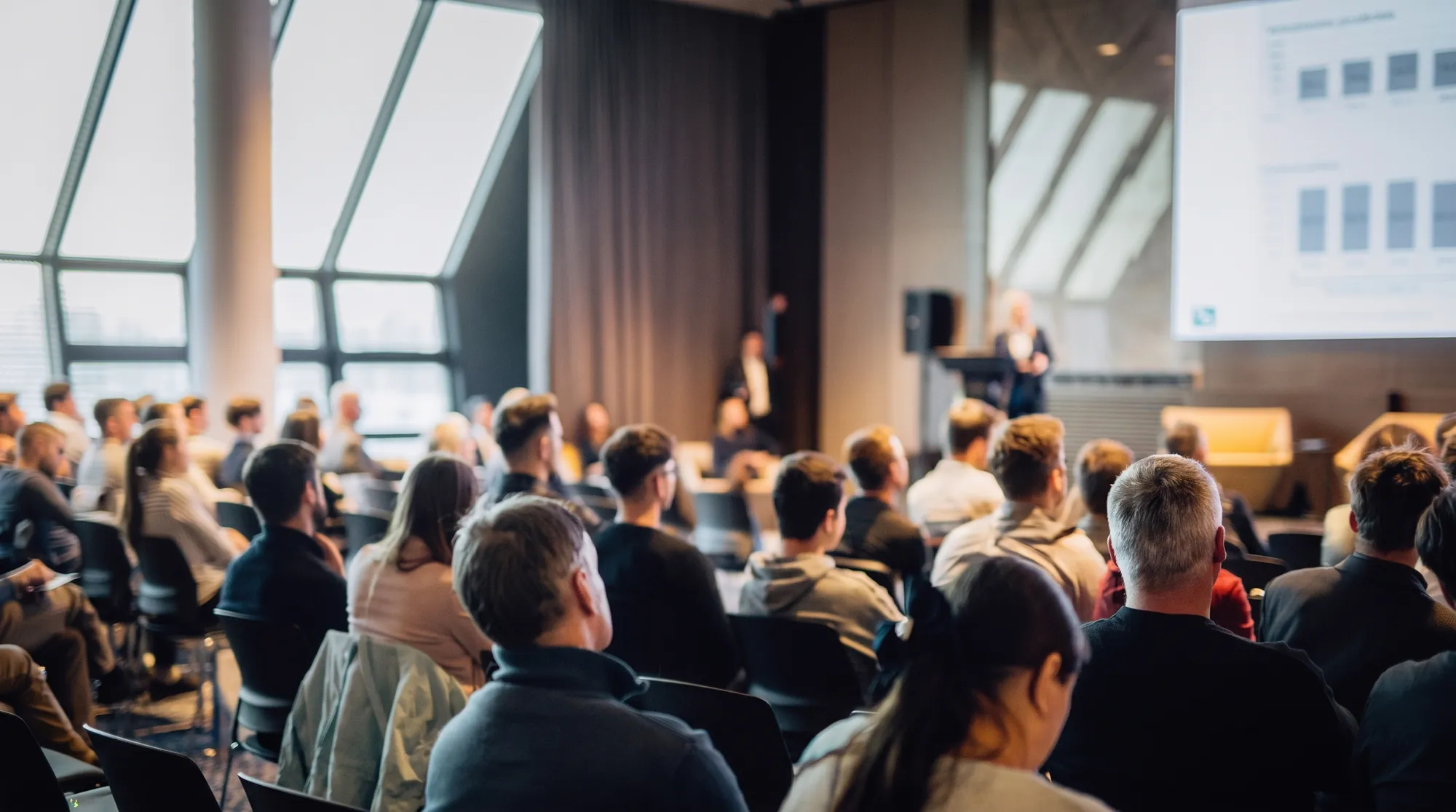
One event. Several languages. A shared experience.
Audience members sitting next to each other may speak different languages. With Monologia, they can follow the same event, each with captions they can understand.
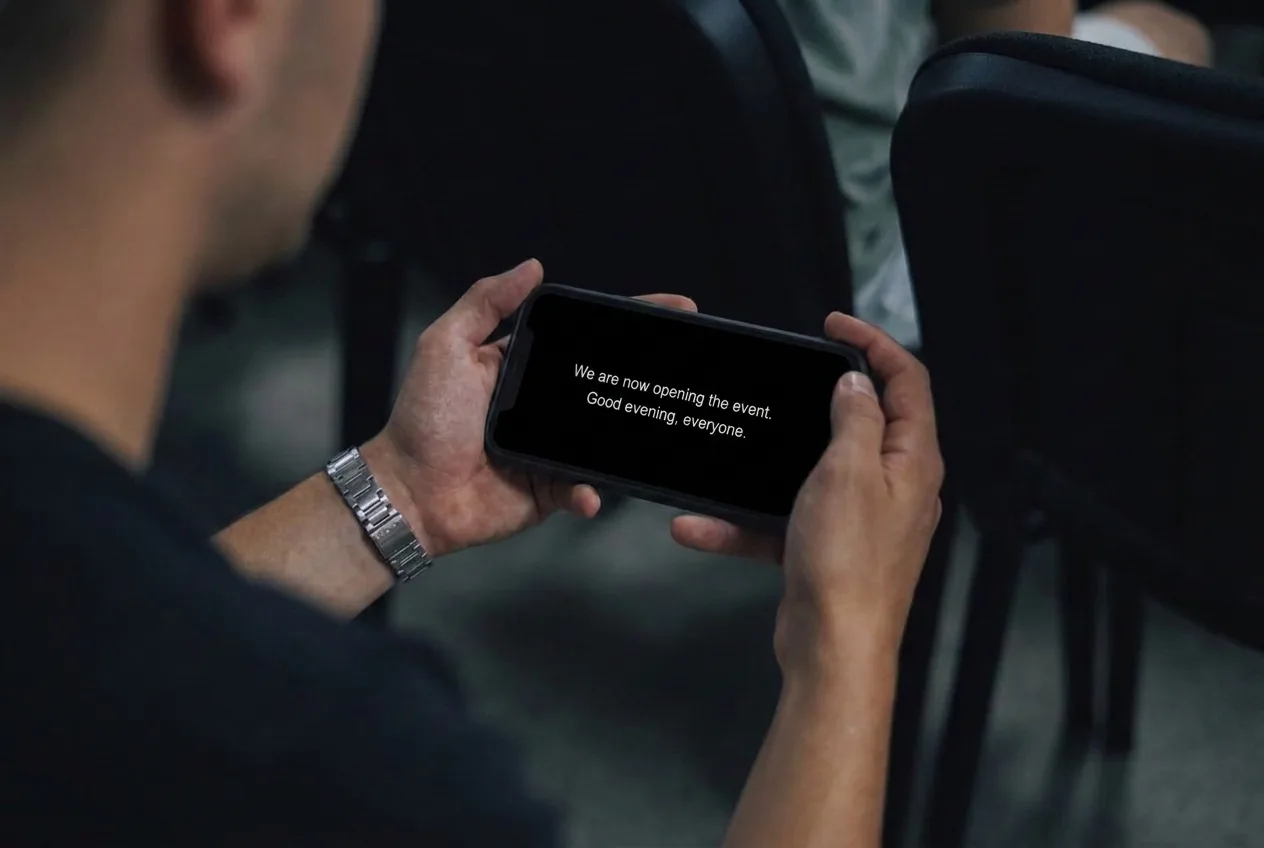
Live captions wherever someone speaks on stage
Stage dialogue, a conference talk, a round table or a question from the audience: choose the captioning mode that suits your programme. You can work with text prepared in advance and with live speech.
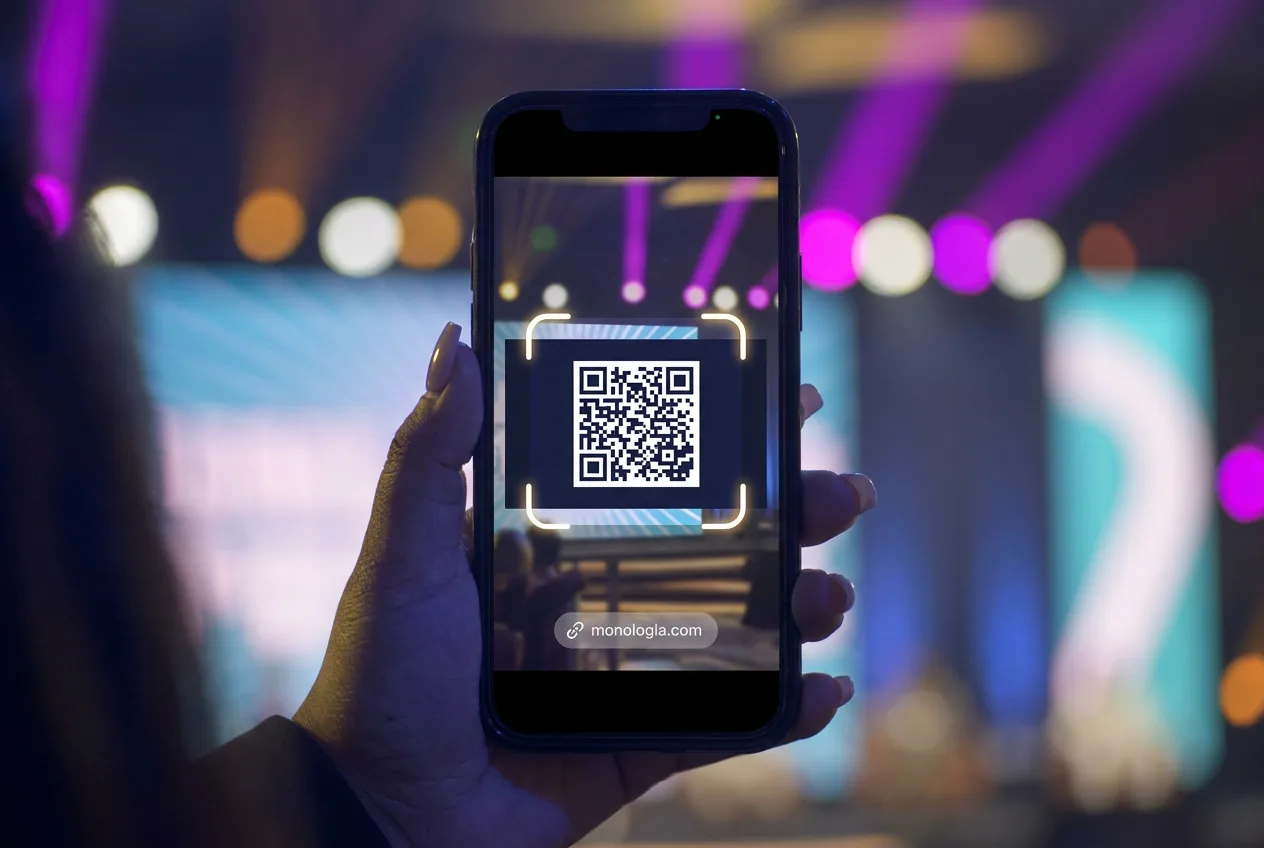
Join with a single QR code
The audience member opens the captions in their phone's browser, then chooses a language. There is no app to install and no viewer account to create, so joining is easy to explain even as people arrive.
Up to 50 languages at one event
Attendees can choose from the languages set up for the event. The same content can appear on the phones in different languages at the same time – even within a single audience.
Directly from the sound system, to every audience member
A translation app on a phone can only translate what the phone's microphone picks up. In a large hall, far from the speaker, with background murmur, applause, music and echo, this rarely works well, and it only ever works for the one person who is holding their phone towards the stage.
Monologia works differently: it can be connected to the event's sound system, so it processes the clean signal of the microphones directly. Room noise and distance do not reduce the quality of the translation. The text comes from a single source, and everyone in the room receives it at the same time and in the same quality on their own phone, wherever they sit.
Can be followed in the original language too
Captions also help people who are not looking for a translation but would like to follow the event as text. This way, original-language captions and translations can belong to the same event.
On phones and on larger screens
The captions can be opened on a phone, a tablet or a computer. If you want a shared display, you can also put the captions, opened in a browser, on a screen at the venue.
Skip the interpreter: AI translates instantly into several languages, straight to the phones.
Serving an international audience can mean many separate tasks. Monologia builds captioning on a single online interface and the attendees' own devices.
You can open up to foreign-language audiences
Guests from abroad, international colleagues, audience members who speak another language: captions can help them take part in programmes that they would find harder to follow because of the language difference.
You can skip installing separate caption displays
For personal captions, the audience uses their own phones. So you do not have to set up a projector, an LED wall or several on-site screens just for the captions.
No devices to hand out to the audience
Following the text captions does not require borrowed receivers or headphones. This also removes the work of handing out, tracking and collecting the equipment.
Spontaneous speech can be captioned too
In AI live mode, the captions are based on the speech as it is spoken. So improvised remarks and Q&A sessions do not need a script written in advance.
Joining is free for the audience
The service is provided by the organiser. Attendees do not have to pay separately to open the captions; the usual charges of their own internet connection apply.
Captions also support accessibility
Text in the original language supports deaf and hard of hearing attendees, as well as those who find it easier to follow speech by reading.
A language difference should not be a barrier between your event and your audience.
From the stage to the viewer's phone in three steps.
Prepare the event
Choose the captioning mode and the available languages. In Manual mode, upload the captions you have prepared in advance. In AI live mode, provide the audio signal of the speech, for example from a microphone or from the venue's sound system. Before you start, also try the set-up on a viewer's device.
Make the QR code available
Put it up at the entrance, show it on the event's screen, or place it next to the programme. The attendee scans it, opens the browser and chooses the language they want.
Start the captions
In Manual mode, the operator cues the text to the rhythm of the performance. In AI live mode, the system creates captions and translations from the incoming speech. The audience can follow the content as it appears, in the language they have chosen.
For text written in advance and for live speech.
In a theatre performance, the exact wording and timing of the sentences matter. At a conference, often not even the speaker knows what the next question will be. Monologia offers a separate working mode for each.
Manual mode – You decide what appears and when.
In this mode, preparing the captions and the language versions you need is part of the workflow.
AI live mode – Captions from speech, with no script written in advance.
Caption quality also depends on how clean the audio signal is, how clear the speech is and which language is used. Live recognition and translation need a minimal amount of processing time.
Choose the working mode that suits your event.
For theatre evenings. For international gatherings. For your audience.
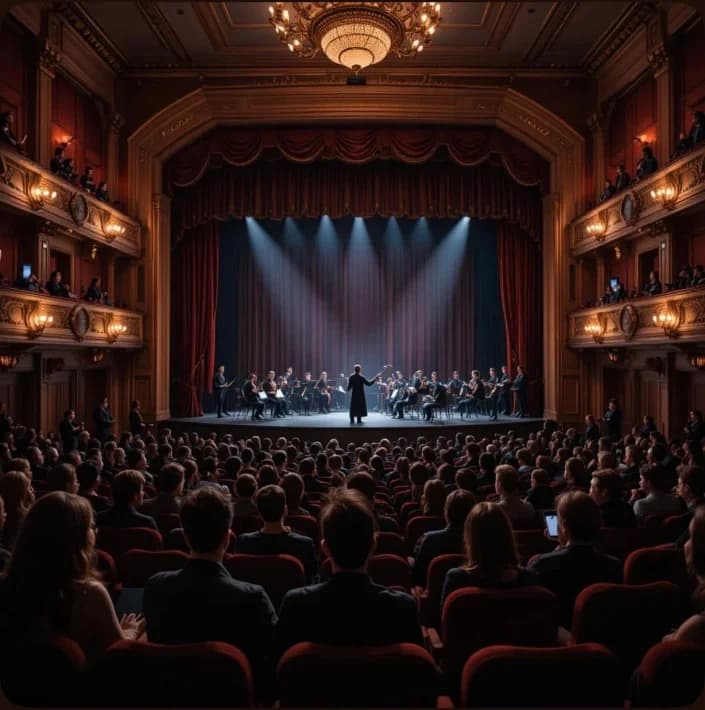
For theatres and performance venues
Make the performance easier to follow for audience members who speak another language, and provide original-language captions for those who understand the performance more easily with them.
With text that is prepared beforehand and cued by an operator, you keep control of the wording and the timing. The captions (surtitles) reach the audience without you having to build a separate central caption display into the stage set.
Talk to us about theatre captioning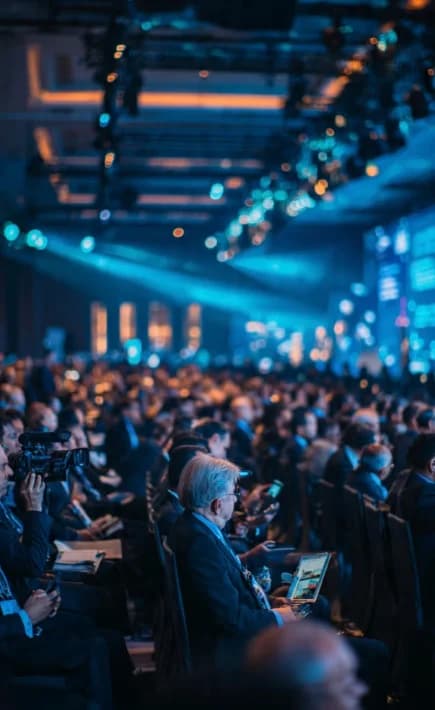
For organisers of conferences and corporate events
When attendees come from several countries, live translation can help to find a common language for the talks. Guests can follow the content on their own devices; AI live mode can also be used for spontaneous questions and comments.
An industry day, an international workshop or a company event: you can adapt the captions to your programme and to the languages of your audience.
Find a solution for your event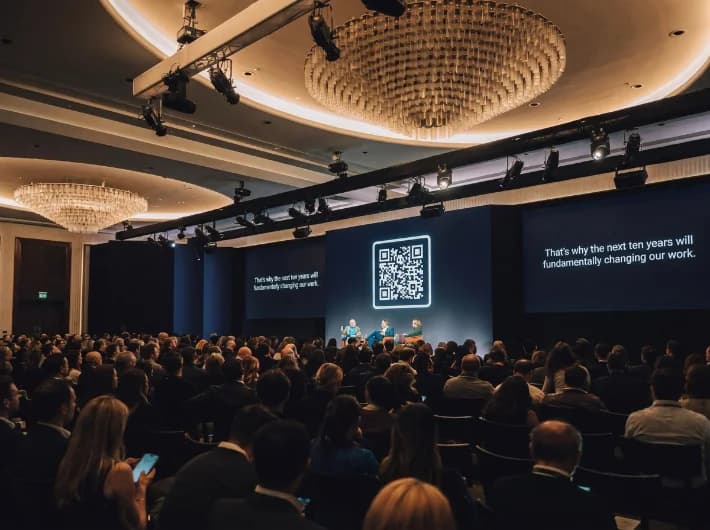
For festivals and cultural events
More people can follow an artist talk, a meeting with the audience or a reading when attendees can read the spoken words in their own language. You can also include the QR code in your on-site information.
There is more than one way to understand. Give people the chance to read as well.
For some people, a language difference makes it harder to follow. For others, captions matter because of their hearing. And some people simply process what is said more easily in writing.
With original-language captions and translations, Monologia can help to meet several kinds of needs at the same event. Attendees can join with the same QR code and choose the language that suits them.
For deaf and hard of hearing attendees
Showing speech as text can be an important aid for following dialogue and talks.
For audience members who speak another language
Translation helps them connect with the programme even if they know the language of the event less well.
For those who follow more easily by reading
Captions can complement the speech they hear and help them understand the spoken content.
Think about how more people can follow your event from the moment you start planning it.
What is worth knowing before your first event.
More questions and technical helpDoes the audience need to download an app?
No. After scanning the QR code, attendees open the captions in their phone's browser. No viewer registration is needed either.
Is an internet connection needed?
Yes. Monologia is an online service, so both the organiser's and the viewers' devices need an internet connection. Before you start, check the venue's Wi-Fi and the mobile network coverage.
Do the captions have to be written in advance?
In Manual mode, yes: the operator cues the prepared text. In AI live mode, the system creates captions and translations from the incoming speech.
Does Monologia also provide spoken interpreting?
The service presented here displays text captions and translations. Attendees read the content on their devices.
Does it replace a professional interpreter?
AI live mode provides automatic translation as text. For an event where it is especially important to convey specialist language or meaning accurately, consider human interpreting or manual captions checked in advance.
Technical support for your event
On request, we can also provide specialists and technical equipment for your event. Our expert colleagues, experienced in event and projection technology, are happy to help with the preparation and the running of the event.
Please get in touch, and let's discuss your needs!
Contact →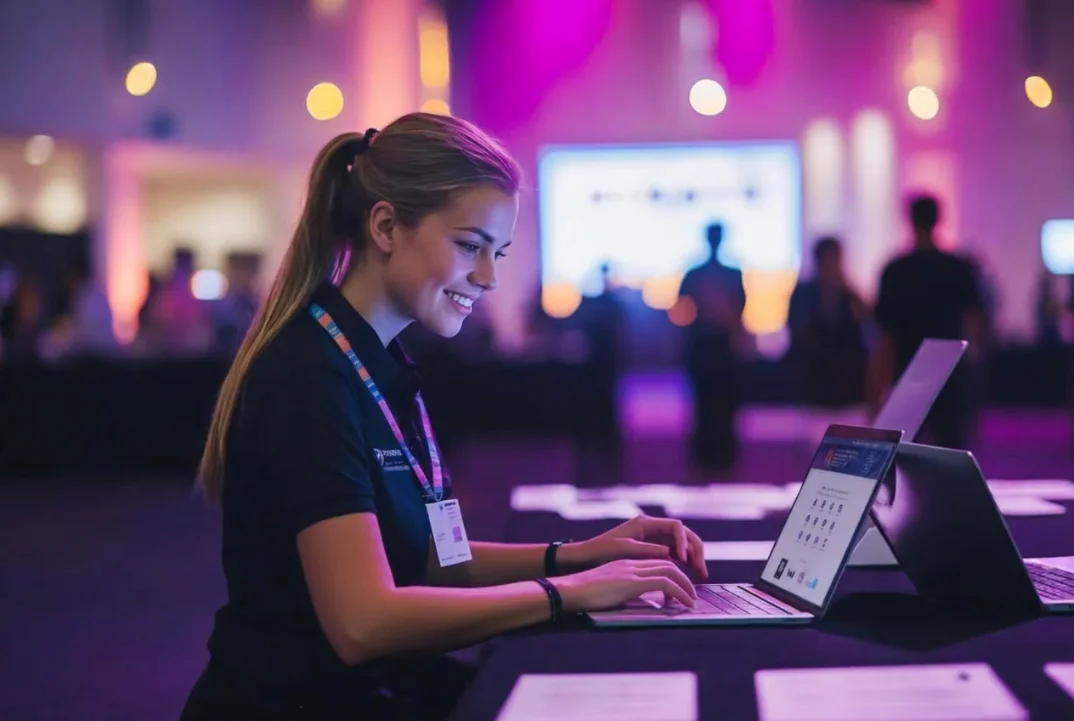
Your next event can reach more people.
See how Monologia works, or tell us about your event. We will help you work out which captioning mode suits the programme and what you will need to get started.